Click
here
to download RadioComm as a self-extracting executable (516 KB).
-
Installation Instructions
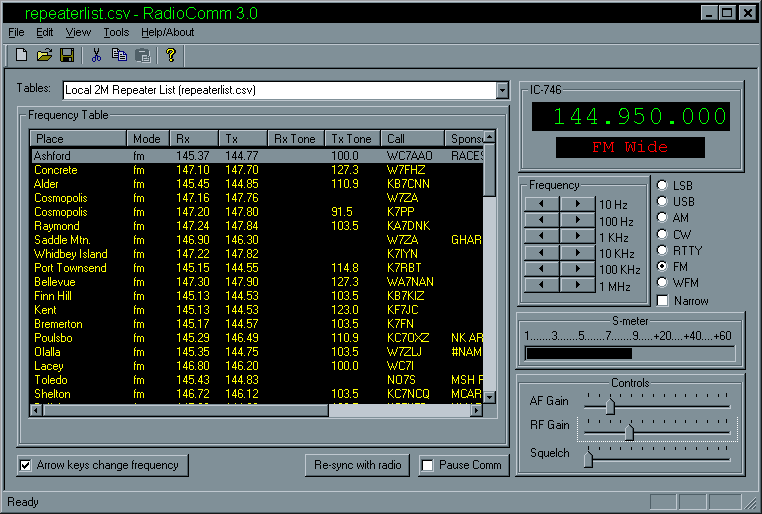
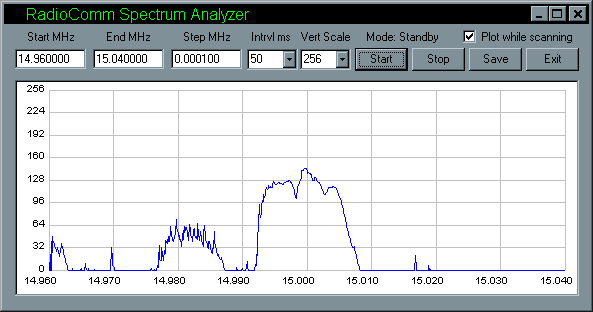
Download RadioComm, run the self-extracting executable, and the program
will install itself. Run the program. Acquire Icom's CT-17 RS-232 interface box
(if your radio requires it). Use the interface to connect you Icom radio to
your computer, and start playing. RadioComm knows about many Icom models, and
you can add your radio to the plain-text database if it is not there already.
Be sure to read the provided help file if difficulties arise, or if you wish to
create your own frequency databases.
Sorry — there is no user support.
Please do not write and ask for assistance.
RadioComm is basically free, and I cannot possibly offer "customer
support" for a free program.
|